

How to spend benefits

Spend benefits with freedom

Pay with your SideUp card, spend at local Marketplace partners, or upload a receipt and get paid back. No paper forms, and no chasing your employer for reimbursement.

SideUp app and card
Three ways to spend

Use your benefits the way that suits the moment

One account, three routes. Your employer chooses which budgets are switched on, so what you can spend on depends on your plan.
542a3159-0fbe-4807-b64a-cdb2f185e183

1

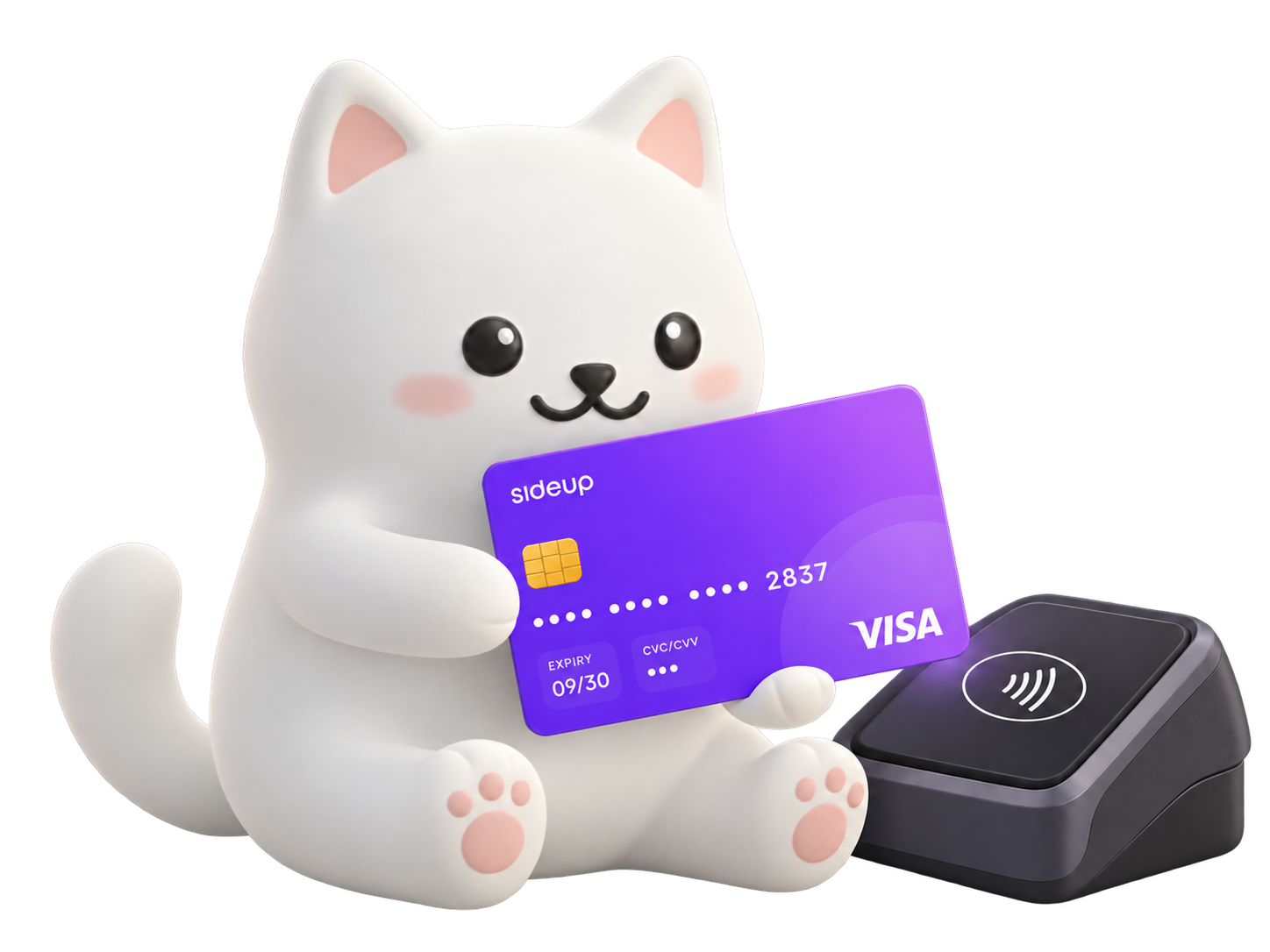
Pay with your card

Tap in store or pay online with your SideUp card. Each budget is set up by your employer for particular kinds of spending, so the card simply works where it should.

ChatGPT Image Oct 2, 2026, 11_40_32 AM

2

Shop local with the Marketplace

Spend your budget at independent businesses near you and unlock discounts and freebies that only SideUp members get.
ChatGPT Image Oct 2, 2026, 11_34_17 AM

3

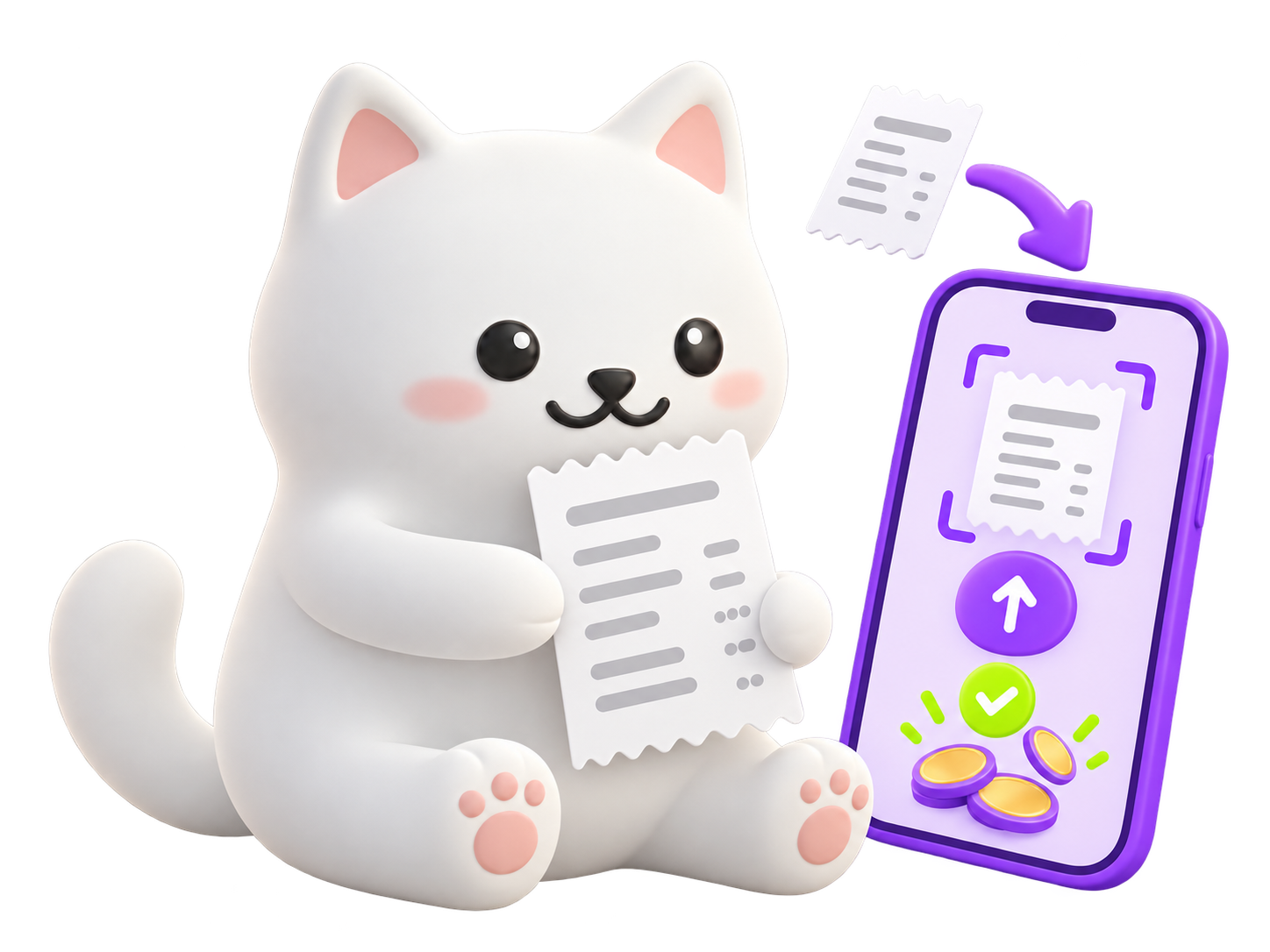
Claim it back with a receipt

Paid for something yourself? Upload the receipt in the app, your employer approves it, and you are paid back.

Two kinds of budget

Two kinds of budget. One card.

Your employer can switch on Tax-Free benefits, Lifestyle budgets, or both. Each one has its own balance, so you always know where you stand.

Tax-Free benefits

Each follows a specific HMRC exemption

Every Tax-Free benefit has its own pot and limit, tracked for you automatically. Your employer chooses which are switched on:

  • Homeworking Allowance & Equipment
  • DSE Eyecare
  • Work-Related Training & Tuition
  • Canteen Credit
  • Bike Share Pass
  • Retirement Guidance
  • Nursery Partnership
Lifestyle benefits

Flexible budgets for everyday life

One budget, spent on what matters to you across six areas. Lifestyle benefits are taxable and are reported by your employer.

  • Family & Home
  • Health & Wellbeing
  • Money & Growth
  • Getting Around
  • Leisure & Connection
  • Giving Back

A summary, not tax advice. Check your arrangement with a tax adviser.

The SideUp app

One card. One app. Every benefit.

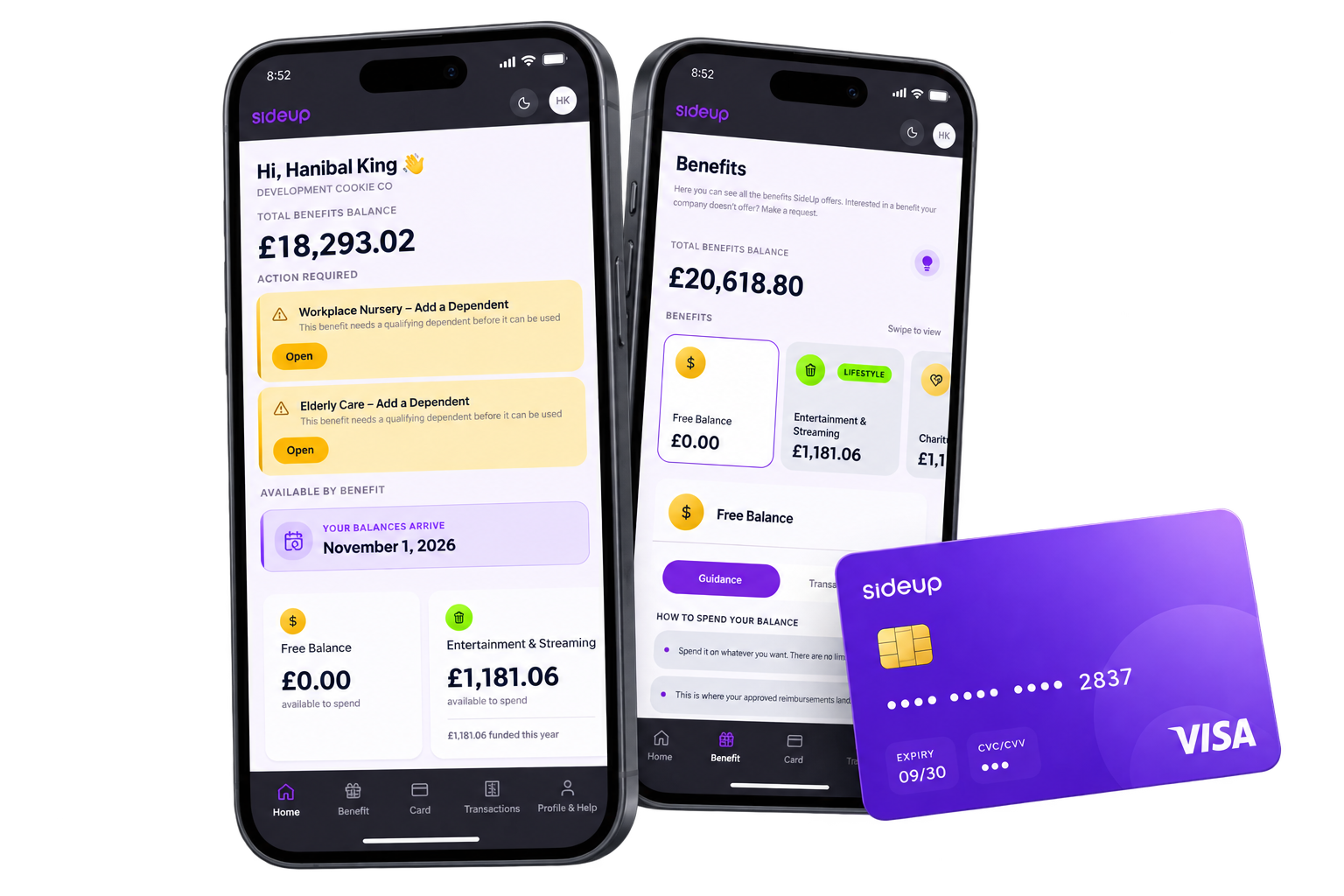
Everything your employer gives you lives in one place. Check your balance, see how to use each benefit and pay, all from your phone. It takes seconds, not forms.
0c44bcf6-b691-4ff3-bb1f-e3d687b0ccd5

Home

Your total balance at a glance, plus a heads-up whenever something needs your action.

Benefits

Swipe through every budget and see exactly how to spend each one.

Card

Follow your card from order to your door, then start paying.

Transactions

Every payment in one clear list, so you always know where your money went.

Easy

No forms and no spreadsheets. If you can use a banking app, you can use SideUp.

Fast

Pay on the spot with your card, or upload a receipt in a few taps.

All in one

One card and one platform for every benefit your employer offers.

The SideUp card

One card for everything. In your pocket and on your phone.

Your SideUp Visa card works across every budget your employer switches on. Add it to your phone's wallet and pay with a tap.

✓

Add it to your phone's wallet in a few taps.

✓

Follow your physical card from order to delivery in the app.

✓

One card for every budget, with no switching between apps.

✓

Issued by an authorised payments partner, regulated by the Financial Conduct Authority.

SideUpWallet ready

Issued by Stripe Payments UK Limited

Physical cardPhone walletOnline payments

SideUp Visa® cards are issued by Stripe Payments UK Limited, an electronic money institution authorised by the Financial Conduct Authority (firm reference number 900461) for the issuing of electronic money and the provision of payment services. Cards are issued under the Visa card scheme pursuant to a licence from Visa Europe Limited.

SideUp Marketplace

Every pound goes further. And stays local.

Spend your benefit budget at independent local businesses in the SideUp Marketplace and unlock discounts and freebies that only members get.

Member-only discounts

Exclusive offers from businesses in the Marketplace, on top of your budget.

Freebies from local favourites

Little extras that independent businesses give to SideUp members.

Know a great local spot?

Nominate it and we will invite it to join.

Stay in the loop

Updates and help, where you already are

We keep you posted about your budgets, and there are quick ways to get an answer when you need one.

App notifications

Push notifications about your balance, new budgets and reimbursements.

Email

The same updates in your inbox, so nothing slips past you.

SideUp assistant

Ask a quick question in the app. For anything else, our team is at help@sideup.com.

FAQ

Frequently Asked Questions

Everything you need to know about spending your SideUp benefits.

How do I spend my benefits?

There are three ways. Pay with your SideUp card, spend at local businesses in the SideUp Marketplace, or pay another way and upload the receipt to be paid back.

Where can I use my card?

Your employer sets up your budgets, and each one is meant for particular kinds of spending. If you are not sure what a budget covers, ask your HR team or email help@sideup.com.

Can I add my card to my phone's wallet?

Yes. Add your SideUp card to your phone's wallet and pay with a tap.

How do I claim back something I paid for myself?

Upload the receipt in the app. Your employer approves it, and you are paid back.

What is the difference between Tax-Free and Lifestyle benefits?

Tax-Free benefits each follow a specific HMRC exemption and have their own pot and limit. Lifestyle benefits are flexible budgets for everyday life, and they are taxable. Your employer chooses which ones are switched on for you.

Will I pay tax on my benefits?

It depends on the benefit. Tax-Free benefits follow a specific HMRC exemption, and Lifestyle benefits are taxable and reported by your employer. A summary, not tax advice. Check your arrangement with a tax adviser.

What is the SideUp Marketplace?

It is a network of independent local businesses where you can spend your benefit budget and unlock discounts and freebies that only SideUp members get. Know a business that should be in it? Email partnerships@sideup.com.

How will I hear about my balance and updates?

We send app push notifications and emails about your balance, new budgets and reimbursements. You can also ask the SideUp assistant a quick question in the app.

Who do I contact if I need help?

Email our Customer Success team at help@sideup.com.

Bring SideUp to your team

Ready to modernise your benefits?

Give your people one card and one app for every benefit, and take the admin off your plate. Book a demo and see SideUp in action.